PlayCroco Mobile: Browser Play on iPhone and Android

PlayCroco Australia guide
PlayCroco supports mobile-browser play on phones and tablets. The verified evidence supports a responsive web experience, not a claim that there is a current native iOS or Android store app. That distinction matters because a browser shortcut can look app-like without being an installed App Store or Google Play product.
Table of Contents
- Browser play is the verified mobile route
- A home-screen shortcut is not a native app
- Use account security that fits a shared device
- Mobile deposits still lead to the same verification system
- Use PlayCroco on mobile without confusing browser access with a native app
- Practical decision guide
- PlayCroco Account Guide: Registration, Verification and Safer Setup
Browser play is the verified mobile route
PlayCroco states that its games are mobile-friendly for phones and tablets. A modern mobile browser is therefore the clearest supported route for iPhone and Android users.
A home-screen shortcut is not a native app
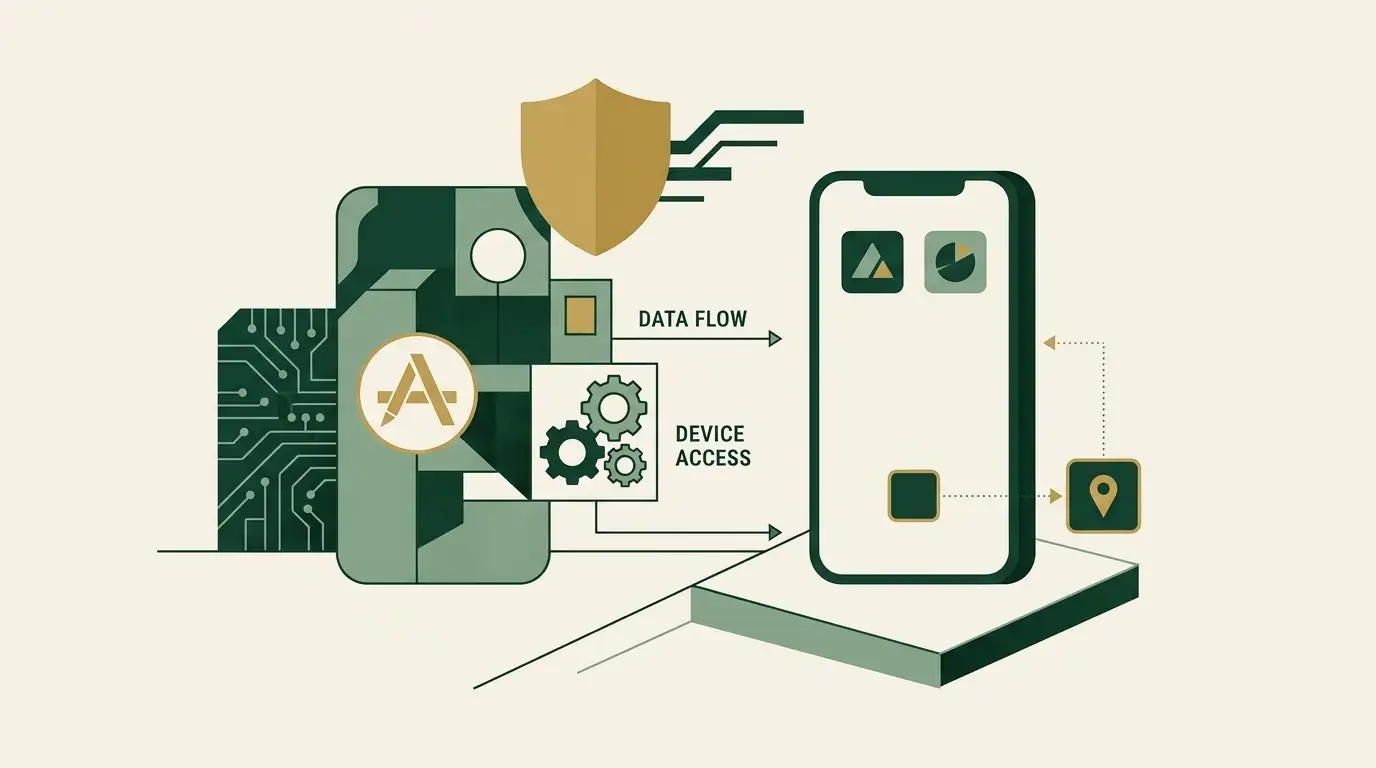
Browsers can add a website shortcut to the device home screen. That can reduce friction, but it does not create a separately reviewed native application. The distinction is useful when assessing update channels, permissions and where software originates.
Use account security that fits a shared device
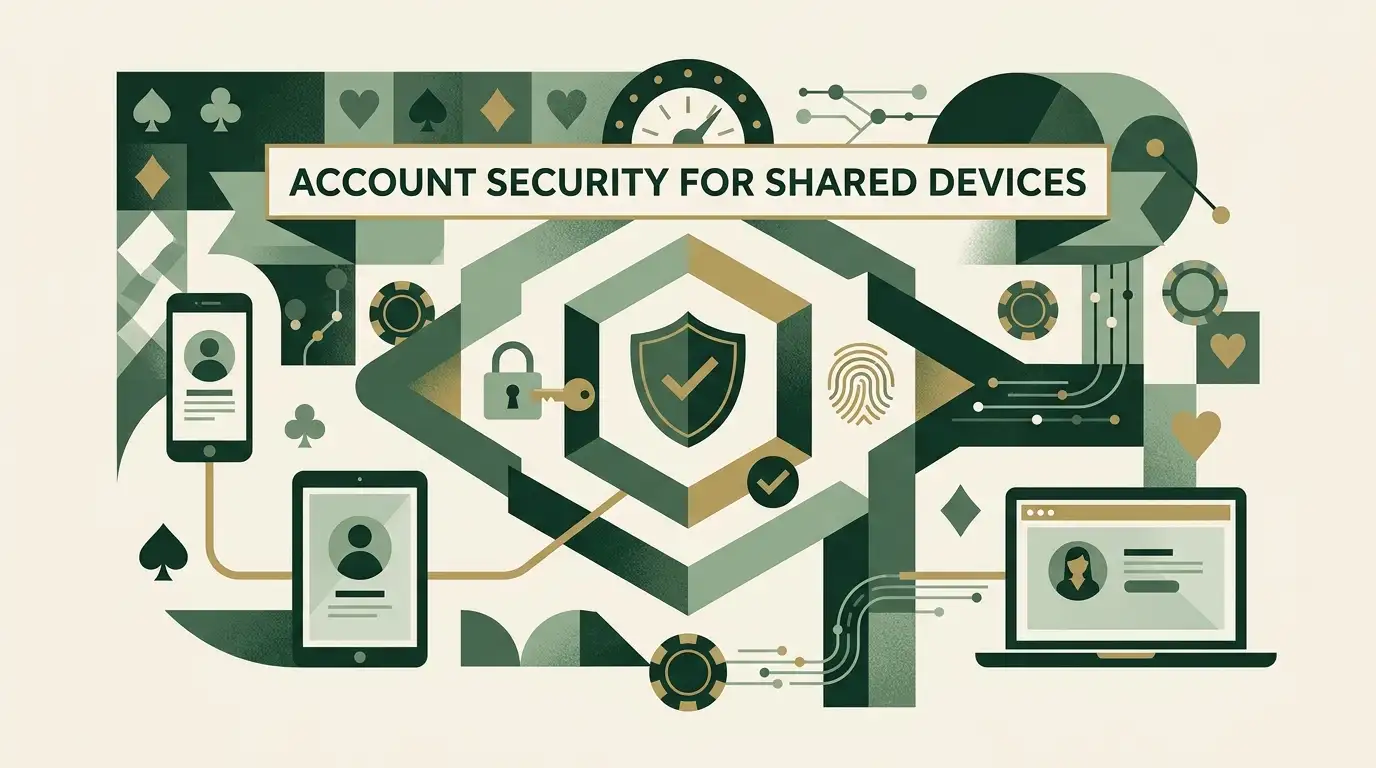
Avoid saving sensitive login or payment data on devices shared with other people. If you use browser autofill, understand who can unlock the device. Log out after account or cashier activity on a borrowed phone.
Mobile deposits still lead to the same verification system
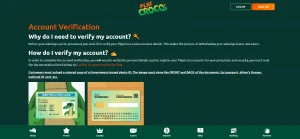
Using the mobile cashier does not remove KYC or withdrawal rules. The payment guide and account guide apply equally to browser-based mobile use.
Use PlayCroco on mobile without confusing browser access with a native app
PlayCroco’s verified mobile proposition is browser access, which works without assuming a native app exists. A home-screen shortcut can make that experience feel more app-like but does not change where the software comes from. Keep account security and cashier privacy in mind on shared devices. The same verification, payment and regulatory trade-offs apply on mobile as on desktop.